The Zone Summary report is designed
to produce a quick estimate regarding harbour conditions.
Note:
In order to produce any report, you must have created at least one zone.
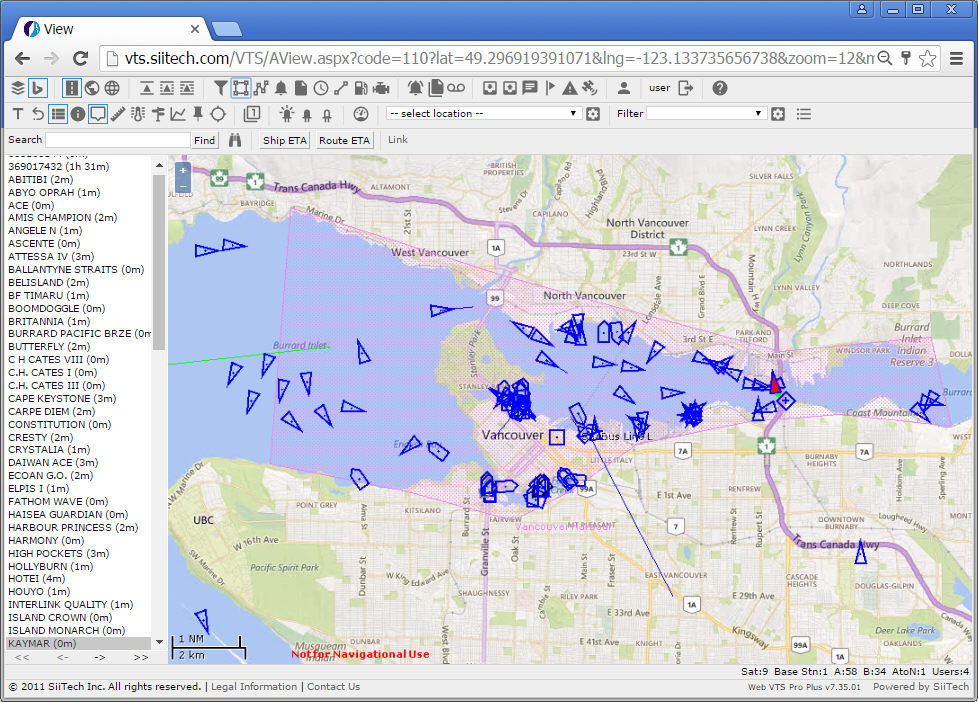
Recall the polygon zone ("Vancouver Harbour") we built in the
Zone Examples section. In this
example, we will be dealing with the same zone again (shown in the image
below).
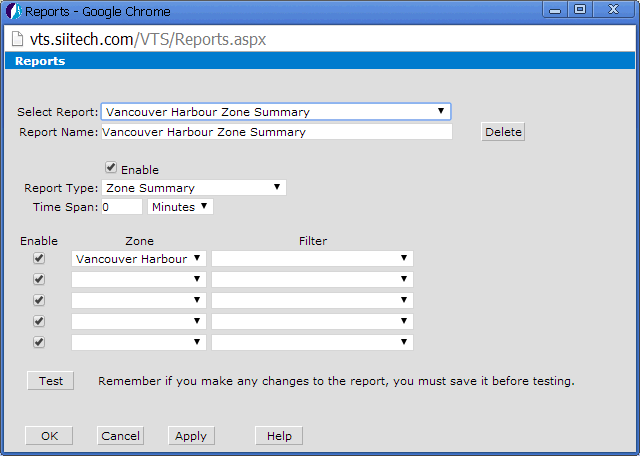
 to open the Report
Designer window.
to open the Report
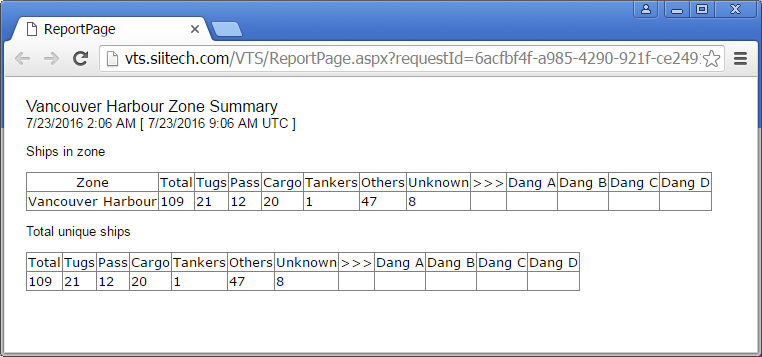
Designer window.Click the Apply button to save your settings. Click the Test button to generate the Vancouver Harbour Zone Summary report.
Note:
If you have several overlapping zones, the “Total unique ships” table
will display only unique ships within those zones.