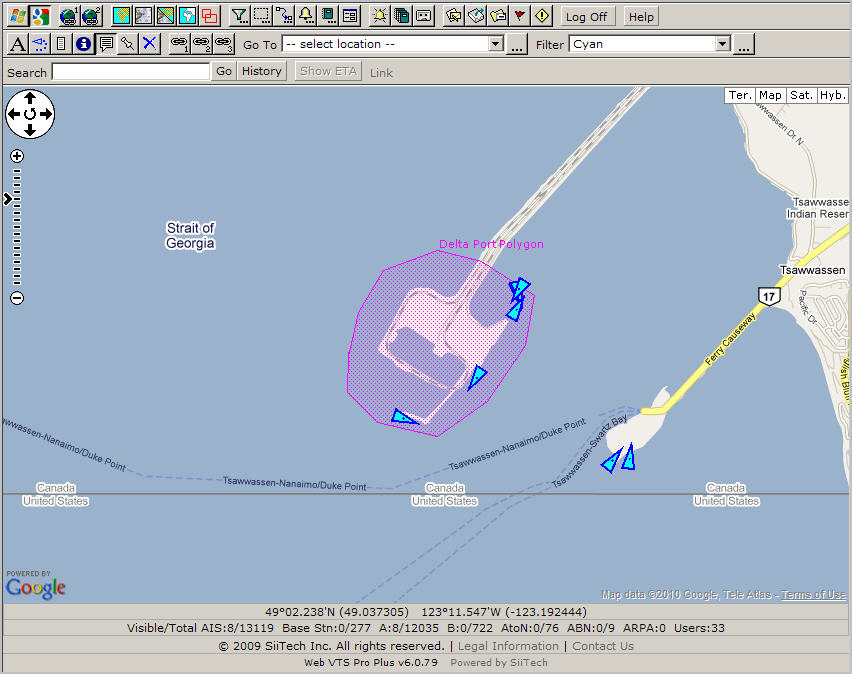
Click
 to open the Zone Designer panel.
Select <New> from Select Zone.
Instead of “Zone1” type “Delta Port Polygon” in the Zone Name field.
Leave Enable checked.
Select “Polygon” from Zone Type.
Select “Magenta” from Color;
Leave
Fill checked.
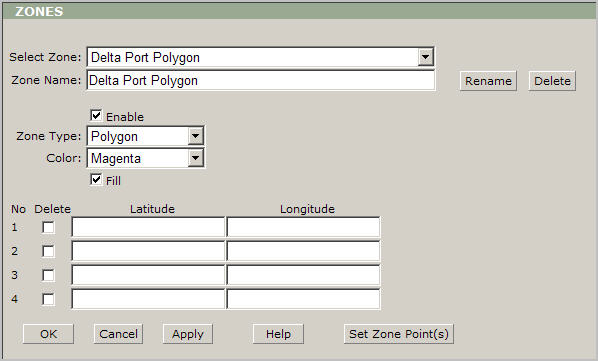
Then you need to add polygon points; please click the Set Zone Points button and you will be redirected to the map view.
Draw the polygon zone by left clicking on the map.
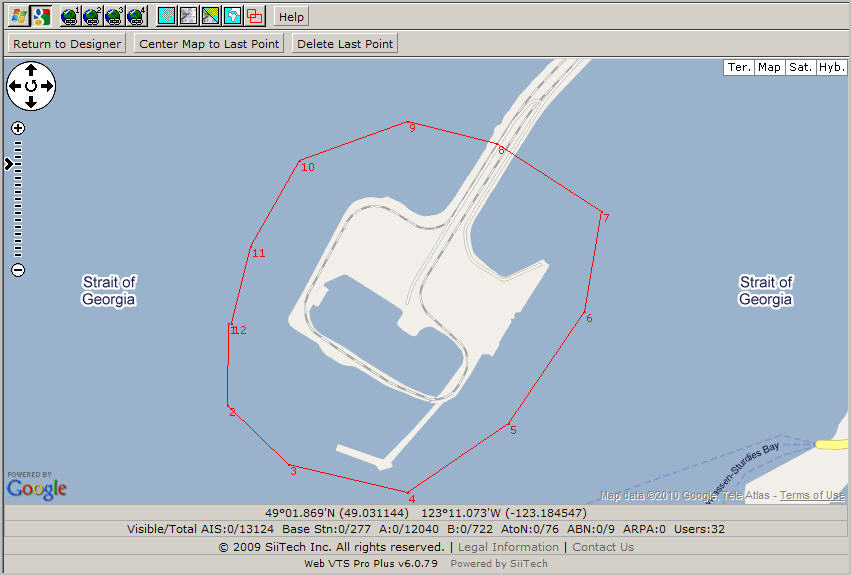
Click the Return to Zone Designer button to
return to the Zone Designer window.
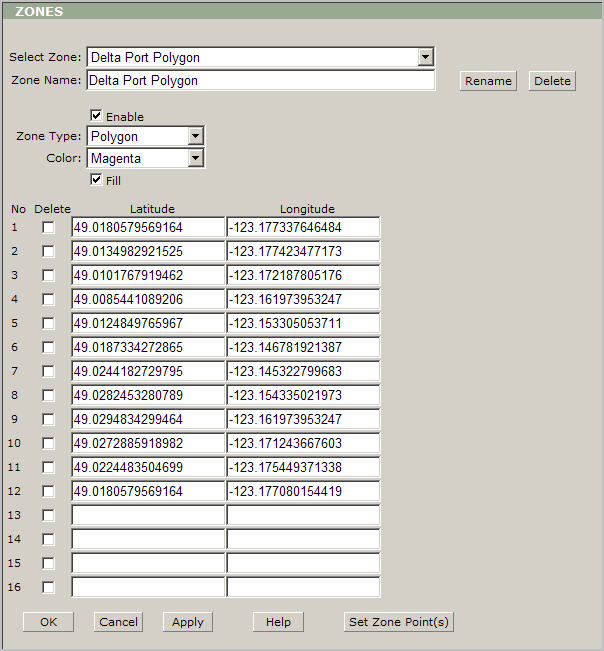
Choose the OK button to save your changes
and return to the main view.