in
the toolbar to open the EICS Ship Details
List window.
in
the toolbar to open the EICS Ship Details
List window.Click the EICS Ship Details button
in
the toolbar to open the EICS Ship Details
List window.
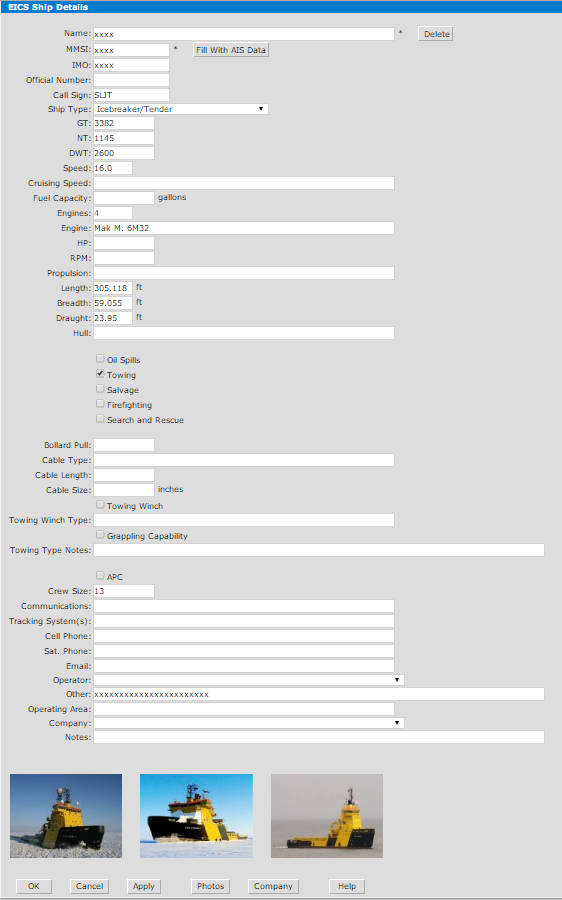
In the EICS Ship Details List window, you may view EICS technical data about any ship in the database. This information is manually entered into the system by the administrator or user(s).
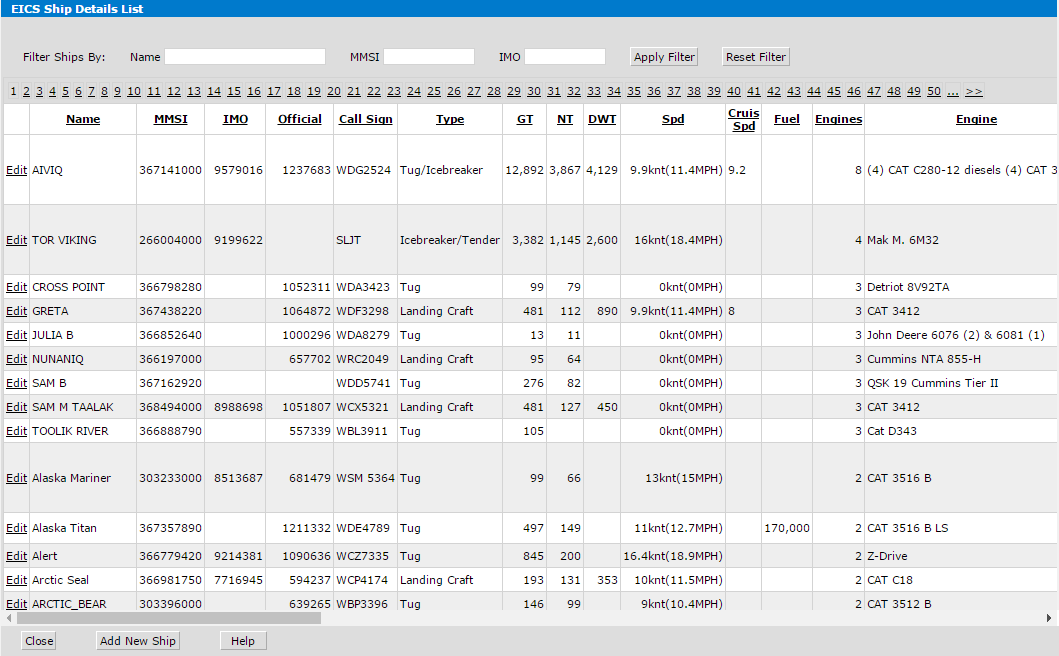
Filter Ships By. Use the Name, MMSI, or IMO fields to list specific ships only. Type ship name or MMSI into the appropriate field and click the Apply button. Note: You may use only part of the name, MMSI number, or IMO number for the search.
Click the Add New Ship button at the bottom of the window to input a new ship into the list.
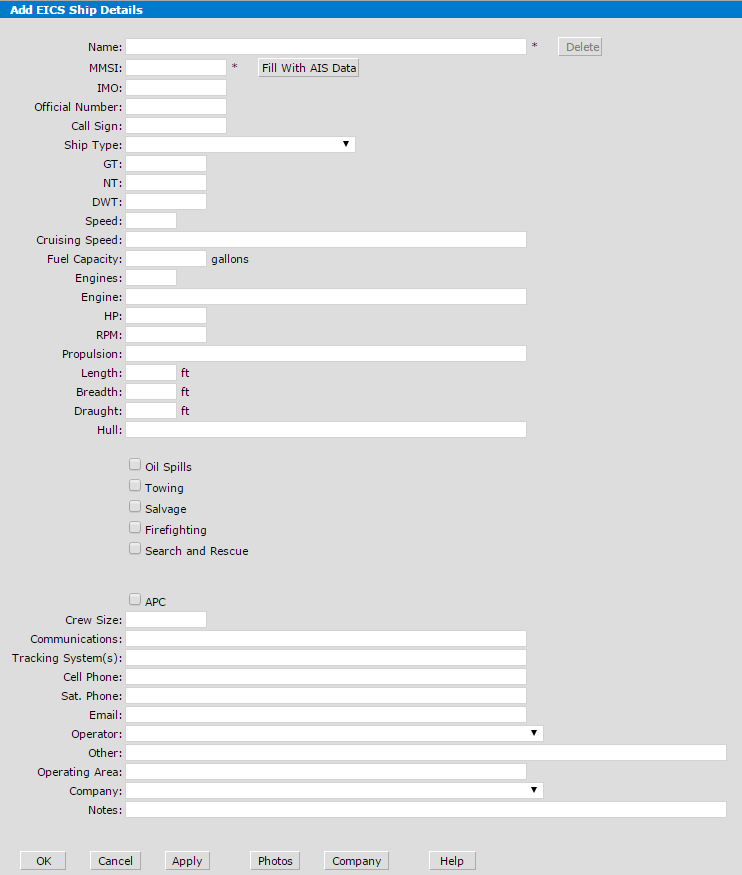
Click the Edit link in the first column of the table to go to the EICS Ship Details window.